
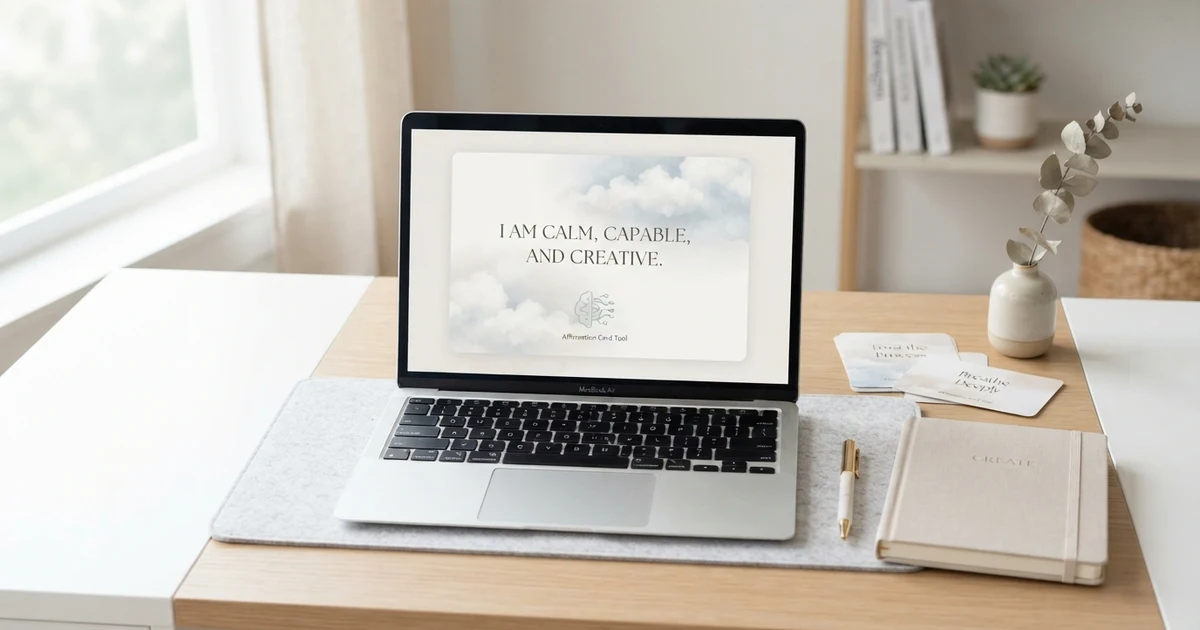
Creating an affirmation can be as simple as writing one encouraging sentence, but turning that sentence into a visual can make it easier to save, share, or revisit throughout the day. Image generation tools for affirmations can help you create simple affirmation graphics based on positive phrases, personal goals, daily reminders, or specific themes.
Instead of designing every image from scratch, you can describe the mood, colors, background, typography, and affirmation you want. The result can be used as a phone wallpaper, printable card, journal page, social graphic, or personal reminder.
This guide explains what these tools do, how to use them, what kinds of affirmation images you can create, and how to write prompts that produce useful results.
Quick Answer: What Are Image Generation Tools for Affirmations?
Image generation tools for affirmations are AI-powered or digital tools that help create visual designs around positive affirmation phrases. You can provide an affirmation and describe the style you want, such as a minimal card, nature-inspired background, calming journal page, or colorful quote graphic.
For example, you might use a prompt such as:
Create a simple affirmation card with the phrase “I can take today one step at a time,” using a clean background, soft natural elements, and readable typography.
These tools can be useful for creating personalized visuals without needing advanced graphic design skills.
What Can Image Generation Tools for Affirmations Do?
Image generation tools can turn a simple affirmation idea into a visual concept.
Depending on the tool, you may be able to create:
- Affirmation cards
- Printable affirmation pages
- Phone wallpapers
- Desktop backgrounds
- Journal illustrations
- Social media graphics
- Motivational quote images
- Daily reminder cards
- Self-love themed visuals
- Simple affirmation posters
The main benefit is flexibility. You can describe the visual you want instead of starting with a blank design canvas.
For example, the affirmation “I trust myself to learn and grow” could become a simple card with a notebook, soft daylight, and a clean background.
The same affirmation could also be presented with flowers, a sunrise, abstract shapes, or a plain typography-focused design.
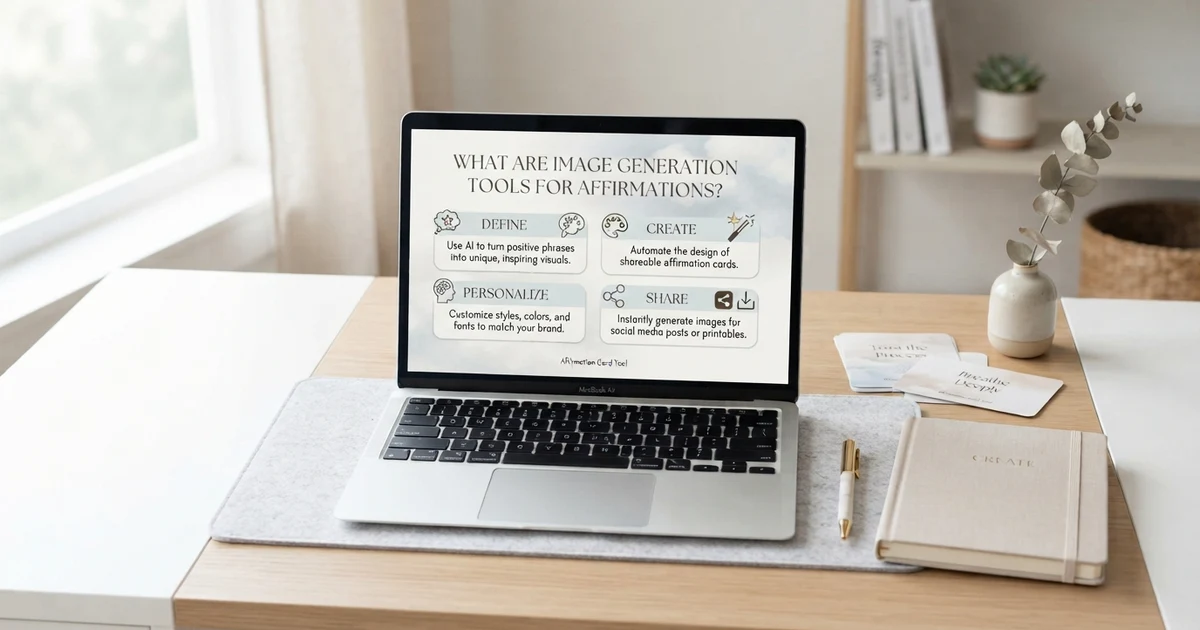
How to Use Image Generation Tools for Affirmations
Using an image generation tool usually starts with a clear description of your desired result.
1. Choose Your Affirmation
Start with one short, believable phrase.
Examples:
- I can take things one step at a time.
- I trust myself to keep learning.
- I give myself room to grow.
- I can focus on what matters today.
- I am allowed to begin again.
- I can make time for what matters.
Short phrases are generally easier to place clearly in a visual design.
2. Decide Where You Will Use the Image
Think about the final purpose before creating it.
You may want an image for:
- A phone wallpaper
- A printable card
- A journal
- A desk reminder
- A social media post
- A digital vision board
- A personal collection
Knowing the purpose helps you choose the right size, layout, and amount of visual detail.
3. Describe the Visual Style
Add a few useful details to your prompt.
For example:
“Create a minimal affirmation card with a warm neutral background, simple botanical details, clean typography, and plenty of empty space.”
You can also describe:
- Background
- Lighting
- Mood
- Colors
- Objects
- Illustration style
- Layout
- Amount of empty space
- Image orientation
4. Check the Text Carefully
One important step is checking the generated image for spelling and text accuracy.
Some image-generation systems can struggle with exact written text. If the affirmation is distorted, misspelled, or difficult to read, you may want to create the visual background separately and add the final wording using a design editor.
5. Save Your Favorite Designs
Keep useful images in a folder so you can easily return to them.
You might organize them by themes such as:
- Daily affirmations
- Self-love
- Confidence
- Work
- Morning
- Evening
- Personal growth
- Printable cards
This can make your collection easier to use over time.
Image Generation Tools for Affirmations Examples
Here are examples of visual concepts you can create from short affirmation phrases.
Example 1: Daily Affirmation
Affirmation:
“I can take today one step at a time.”
Image idea:
A clean desk with a journal, pen, warm daylight, and the affirmation displayed in simple typography.
Example 2: Self-Love Affirmation
Affirmation:
“I treat myself with patience and kindness.”
Image idea:
A calm pastel background with subtle flowers and generous empty space around the text.
Example 3: Confidence Affirmation
Affirmation:
“I can trust myself to handle what comes next.”
Image idea:
A simple sunrise landscape with soft light and a centered affirmation card.
Example 4: Growth Affirmation
Affirmation:
“I am learning something new every day.”
Image idea:
A notebook, open book, small plant, and natural desk setting with clean modern typography.
Example 5: Evening Affirmation
Affirmation:
“I can let today be enough.”
Image idea:
A peaceful evening scene with a journal beside a warm lamp and a simple text layout.
Short Image Generation Tools for Affirmations Prompts
Short prompts can work well when you already know the basic style you want.
Try prompts like:
- Minimal affirmation card, clean typography, soft neutral background.
- Positive affirmation wallpaper, peaceful nature, simple design.
- Self-love affirmation card, flowers, gentle colors, modern typography.
- Daily affirmation printable, clean layout, journal aesthetic.
- Morning affirmation graphic, sunrise, warm light, simple text.
- Growth affirmation card, small plant, notebook, natural background.
- Calm affirmation wallpaper, soft abstract shapes, readable typography.
- Positive quote card, minimal design, plenty of white space.
The goal is not to make every prompt complicated. A clear subject, affirmation, style, and intended format can be enough to get started.
Positive Image Generation Tools for Affirmations Ideas
Positive affirmation images can cover many everyday themes. Choosing a specific theme can make your visuals more useful than creating random graphics.
Daily Life
Use affirmations that encourage a steady and realistic approach to the day.
Examples:
- I can focus on the next step.
- I can give today my attention.
- I can make space for what matters.
- I can move through today at my own pace.
Self-Love
Keep self-love affirmations supportive without making unrealistic promises.
Examples:
- I deserve kindness from myself.
- I can listen to what I need.
- I can speak to myself with patience.
- I am learning to appreciate who I am.
Personal Growth
These work especially well with nature, notebooks, paths, plants, and other growth-related imagery.
Examples:
- I can learn from each experience.
- Small steps still count.
- I can keep growing at my own pace.
- I am open to learning.
Work and Focus
These can be designed with simple desk or workspace visuals.
Examples:
- I can focus on one task at a time.
- I can make steady progress.
- I can take a useful break when I need one.
- I can begin with the task in front of me.
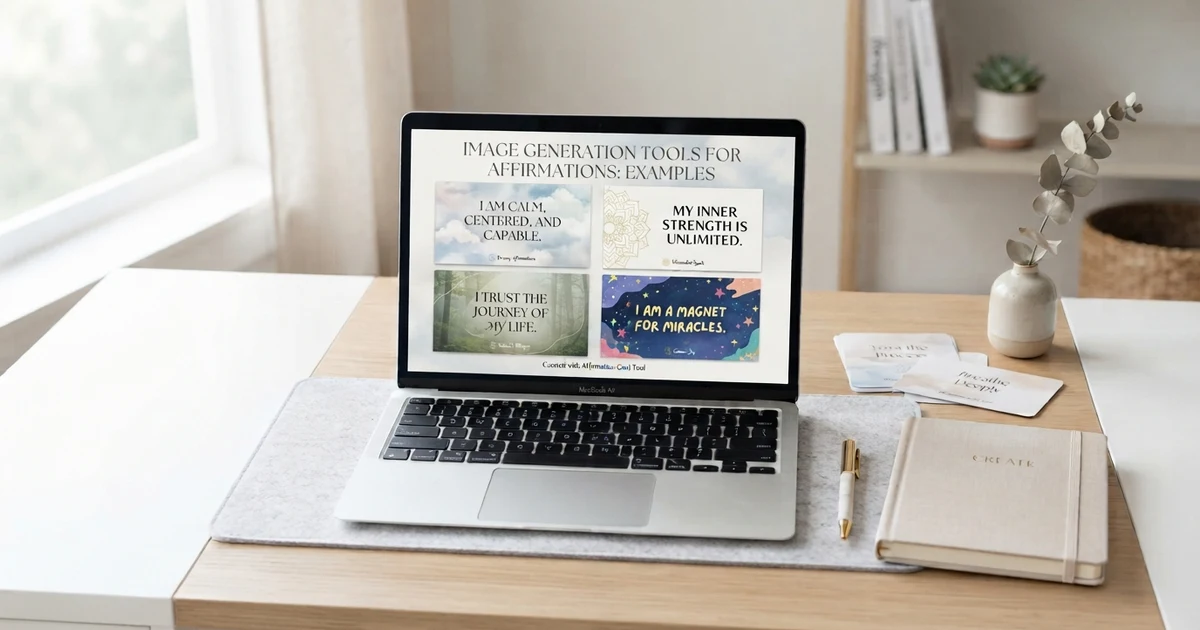
How to Write Better Image Prompts for Affirmations
The quality of your prompt can affect how closely the generated image matches your idea.
A simple prompt formula is:
Affirmation + visual subject + style + mood + layout + format
For example:
“Create a 16:9 affirmation graphic featuring the phrase ‘I can make steady progress,’ with a simple desk, notebook, soft morning light, clean modern design, and plenty of space around the text.”
This gives the tool several useful pieces of information without making the prompt unnecessarily complicated.
Be Specific About the Layout
If you need an image for a website, mention the format.
For example:
- 16:9 website feature image
- Square social media graphic
- Portrait printable card
- Phone wallpaper
- Landscape desktop background
Keep the Design Uncluttered
Affirmations are usually easier to read when the image does not contain too many competing elements.
Instead of asking for ten objects, choose one or two main visual elements.
For example:
“A simple journal beside a cup of tea on a bright desk, with plenty of clean space for the affirmation.”
This gives the visual concept a clear focus.
Image Generation Tools for Affirmations for Beginners
You do not need advanced design experience to start.
A beginner-friendly process can be:
- Pick one affirmation.
- Decide what the image will be used for.
- Choose a simple visual theme.
- Write a short prompt.
- Generate the image.
- Check the text and overall layout.
- Adjust the prompt if needed.
- Save the version you like.
Start with simple designs rather than trying to create highly detailed artwork immediately.
For example, a beginner prompt could be:
“Create a simple affirmation card with ‘I can take things one step at a time,’ soft natural background, clean typography, minimal design, and plenty of empty space.”
Once you understand what changes affect the result, you can experiment with different styles.
Best Categories for Affirmation Images
Creating categories makes an affirmation image collection easier to use.
Morning Affirmations
Good visual themes include sunrise scenes, bright desks, coffee or tea, journals, and natural light.
Night Affirmations
Try peaceful bedroom scenes, moonlight, soft lamps, journals, or simple dark backgrounds.
Self-Love Affirmations
Flowers, mirrors, gentle abstract designs, personal journals, and simple typography can work well.
Confidence Affirmations
Use clean, structured designs with strong but readable typography.
Gratitude Affirmations
Nature, handwritten journal pages, simple flowers, and everyday objects can create a warm visual style.
Work Affirmations
Desk scenes, notebooks, calendars, laptops, and minimal workspace designs can support the theme.
Printable Affirmations
Prioritize readability and clean spacing. Avoid overly detailed backgrounds that make the words difficult to read.
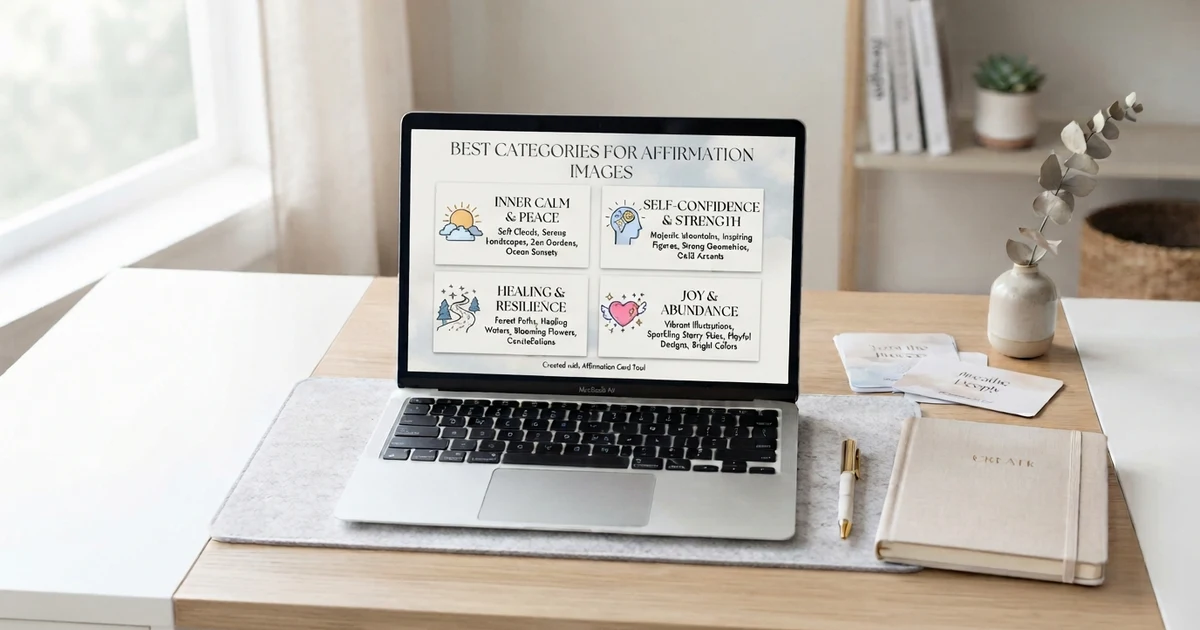
Image Generation Tools for Affirmations Copy and Paste Prompts
If you want ready-to-use prompts, you can copy and adjust these examples.
Minimal card prompt:
“Create a clean affirmation card featuring the phrase ‘I trust myself to learn and grow,’ minimal neutral background, subtle botanical detail, modern readable typography, balanced layout.”
Phone wallpaper prompt:
“Create a vertical phone wallpaper with the affirmation ‘I can handle one step at a time,’ peaceful nature background, soft daylight, simple composition, highly readable text.”
Printable prompt:
“Create a printable affirmation page featuring ‘I deserve patience and kindness from myself,’ clean white background, subtle botanical elements, simple typography, generous margins, uncluttered layout.”
Journal prompt:
“Create a calming journal-style affirmation image featuring ‘I can give myself time to grow,’ open notebook, pen, natural light, soft minimal design, plenty of space around the text.”
How to Save and Use Your Affirmation Images
Once you have created an image you like, decide how it will fit into your routine.
You can:
- Save it as a phone wallpaper.
- Print it as a small card.
- Add it to a journal.
- Keep it in a digital affirmation folder.
- Use it as a desktop background.
- Create a collection by theme.
- Save favorite designs for later.
- Pair an image with a journal prompt.
You can also create a small rotation of images instead of using dozens at once. For example, choose one affirmation image each morning and keep it available throughout the day.
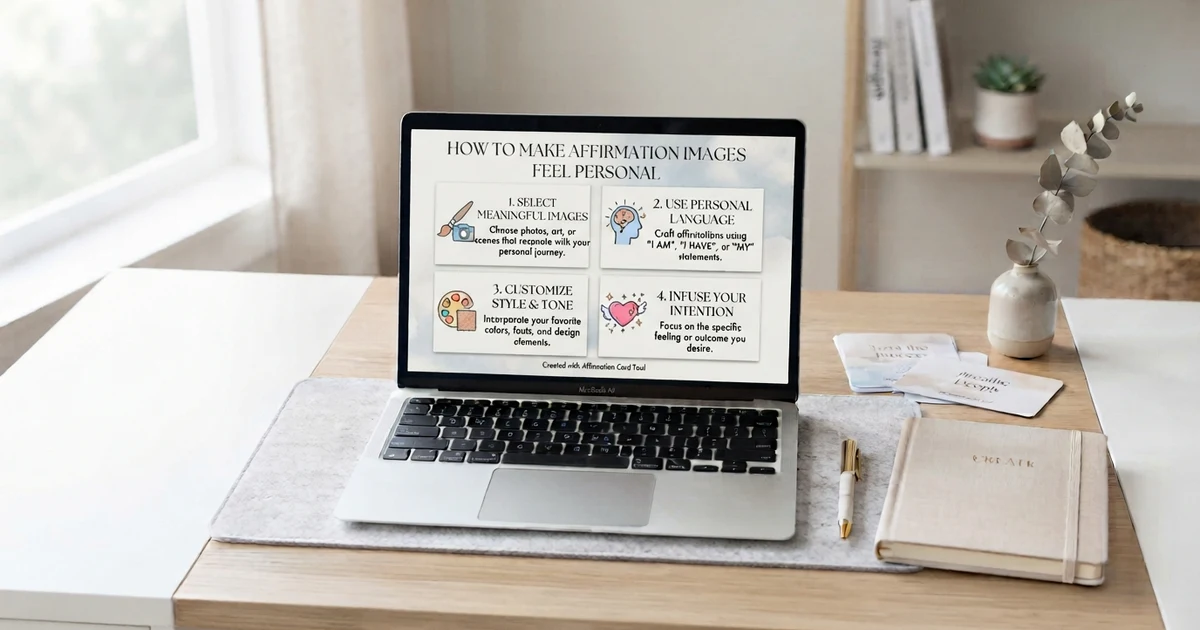
How to Make Affirmation Images Feel Personal
Personalization can make an affirmation feel more relevant.
Instead of creating a generic phrase, think about what you actually want the reminder to say.
For example, replace:
“I am successful.”
with something more specific and believable:
“I can keep working toward the goals that matter to me.”
You can also personalize the visual.
If you enjoy reading, create a book-and-journal theme. If you prefer nature, use leaves, mountains, sunlight, or a quiet outdoor setting. If you prefer minimal designs, remove most decorative elements and let the words remain the main focus.
The best image does not have to be the most complicated one. It simply needs to fit the message and your intended use.
Use an Affirmation Generator With Your Image Workflow
If you do not know what affirmation to put on your image, an affirmation generator can give you a starting point.
A simple workflow is:
Generate an affirmation → choose your favorite phrase → create a visual → save or print it.
This can be especially useful when you want fresh ideas for daily use.
You can also keep a collection of favorite phrases and create new visual styles around the same affirmation.
For example, one phrase could become:
- A printable card
- A phone wallpaper
- A journal page
- A desktop background
- A social graphic
This lets you reuse an affirmation without having to write a completely new one every time.
Tips for Better Affirmation Visuals
Keep these practical tips in mind:
Keep the Main Message Short
Long sentences can become difficult to read in a small graphic.
Prioritize Readability
The affirmation should be easy to see without zooming in.
Match the Visual to the Message
A calm phrase may work well with a simple, peaceful background, while a productivity reminder might suit a clean workspace.
Leave Enough Empty Space
Empty space helps the affirmation stand out.
Avoid Too Many Decorative Elements
A crowded image can distract from the actual message.
Review Generated Text
Always check spelling, punctuation, and wording before saving or publishing an image.
Create Different Sizes
If you plan to use an affirmation in multiple places, create versions for the intended formats instead of stretching one image everywhere.
Conclusion
Image generation tools for affirmations make it easier to turn simple positive phrases into personalized visual reminders. You can create affirmation cards, wallpapers, printable pages, journal graphics, and other designs by combining a short affirmation with a clear visual prompt.
The most useful approach is to keep the message simple, choose a visual style that matches the purpose, and always check the final text for accuracy. If you are not sure what affirmation to use, start with a short daily phrase and build from there.
Ready to create your own affirmation visual? Use the free generator to get an affirmation idea, then turn your favorite phrase into a design that fits your daily routine.
Frequently Asked Questions About Image Generation Tools for Affirmations
1. What are image generation tools for affirmations?
They are tools that help create visual graphics based on affirmation phrases and design instructions. You can describe the affirmation, visual style, background, layout, and intended format.
2. Can I create printable affirmation cards with image generation tools?
Yes. You can ask for a clean card layout with readable text, suitable dimensions, and enough space around the affirmation. Always check the final text before printing.
3. Can I use these tools to make affirmation wallpapers?
Yes. You can create phone or desktop wallpapers by specifying the appropriate orientation and leaving enough empty space for readable text and icons.
4. What should I include in an affirmation image prompt?
Include the affirmation, visual subject, style, mood, layout, and image format. You do not need a very long prompt if the main requirements are clear.
5. Can beginners use image generation tools for affirmations?
Yes. Beginners can start with simple prompts and gradually add details as they learn which instructions produce the desired results.
6. Why does the affirmation text sometimes look incorrect?
Some image-generation systems may have difficulty producing exact written text. If the wording is incorrect, you can regenerate the image or create the background separately and add the final text with a design editor.
7. What affirmation categories can I create?
Popular categories include daily affirmations, self-love, confidence, personal growth, gratitude, work, morning, evening, and positive mindset themes.
8. Can I use the same affirmation in different images?
Yes. One affirmation can be presented in several visual styles. You might create a printable card, phone wallpaper, journal image, and desktop background using the same phrase.
9. How can I make affirmation images look less cluttered?
Use fewer visual elements, choose a simple background, keep the affirmation short, and leave enough empty space around the text.
10. Can I save my favorite affirmation images?
Yes. Keeping your favorite images in organized folders can make them easier to find and reuse. You can sort them by theme, purpose, or format.