Positive affirmations can be easier to notice and remember when they are presented as simple, attractive visuals. Image generation tools for positive affirmations can help turn short positive phrases into shareable images, digital cards, wallpapers, journal visuals, or printable designs.
Instead of creating every affirmation image from scratch, you can start with a phrase and use an image-generation tool to create a visual style around it. This can be useful for beginners, journaling, daily reminders, social posts, phone wallpapers, and printable projects. The goal is not to make the affirmation complicated. A clear phrase, readable design, and personal meaning are usually enough.
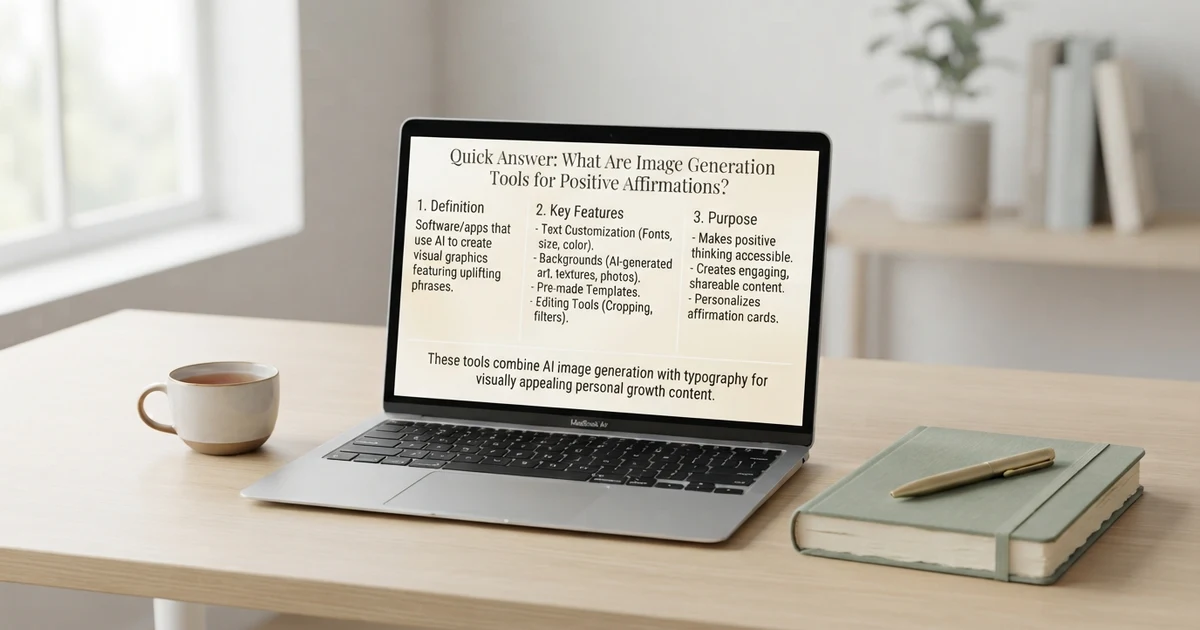
Quick Answer: What Are Image Generation Tools for Positive Affirmations?
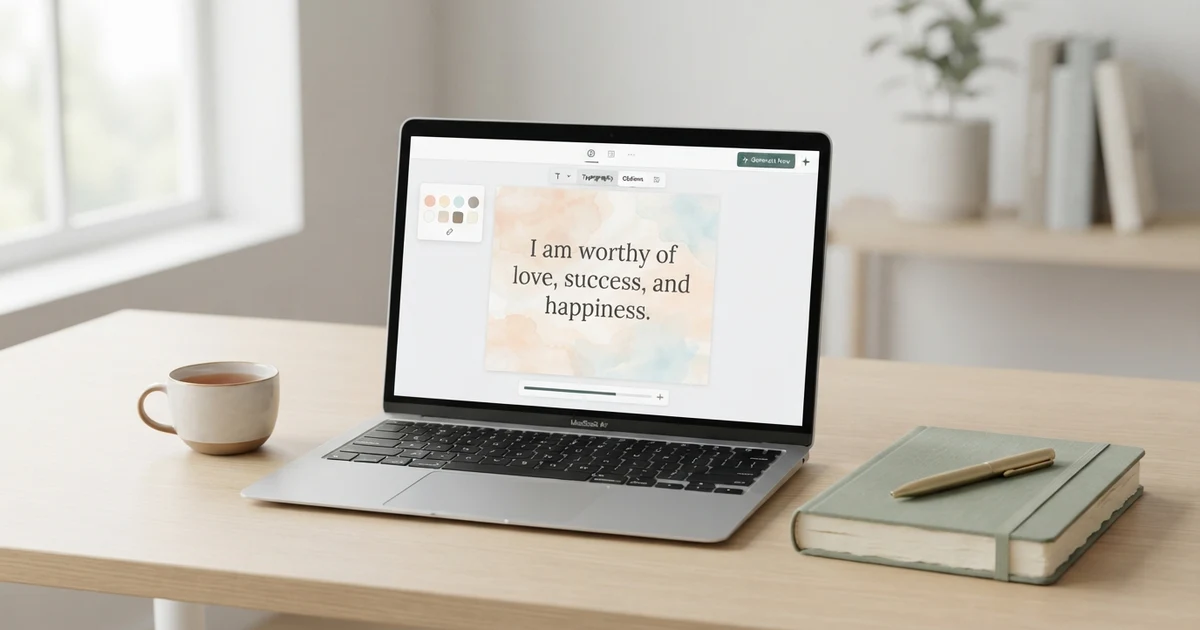
Image generation tools for positive affirmations are tools that help you create visual content based on positive phrases or affirmation ideas. You can start with a short statement such as “I can take things one step at a time” and create an image around it.
For a simple workflow:
Choose an affirmation.
Decide what type of image you want.
Describe the visual style.
Generate the image.
Check that the text is clear and accurate.
Save or copy the finished design.
Use it as a card, wallpaper, printable, or daily reminder.
You can also use a free affirmation generator to create the phrase first and then turn that phrase into a visual.
How Image Generation Tools for Positive Affirmations Work
The basic process is simple. You provide a description of the image you want, and the image-generation tool creates a visual based on that description.
For example, you might enter:
Create a calm affirmation card with the phrase “I trust myself to take the next step,” soft morning light, a simple journal on a clean desk, minimal design, and plenty of space around the text.
The result can vary depending on the tool and prompt. Some tools are better suited to artistic images, while others can be useful for creating simple visual concepts.
When making affirmation graphics, keep the message short. A complicated paragraph can be harder to read than a single sentence.
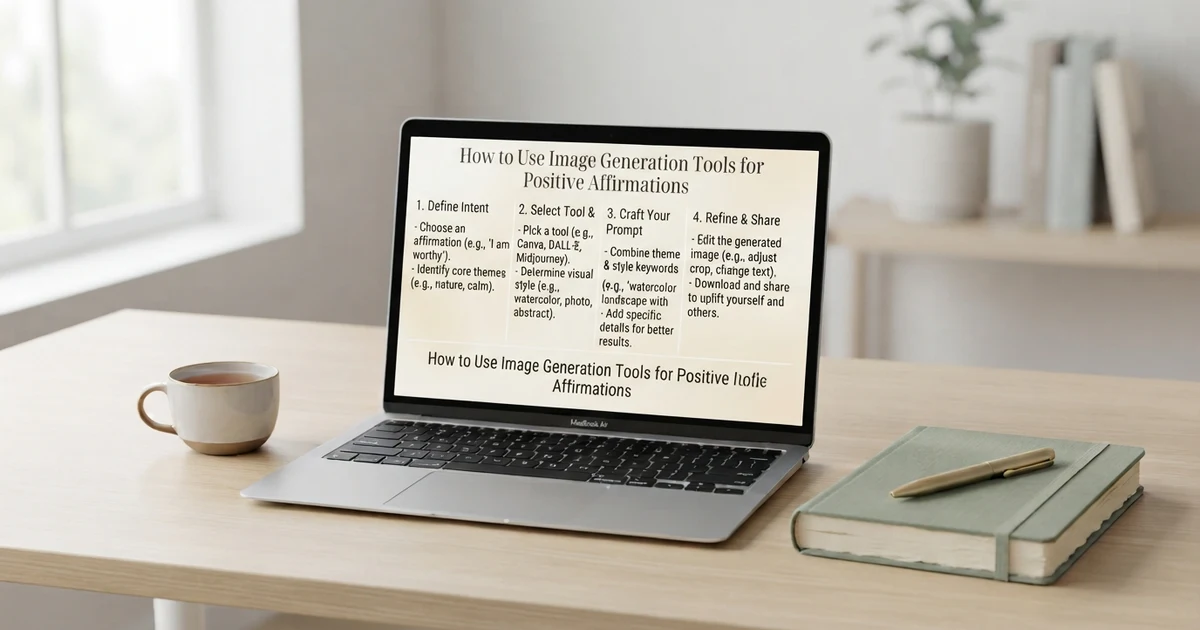
How to Use Image Generation Tools for Positive Affirmations
You do not need advanced design skills to get started.
1. Choose a clear affirmation
Start with one short statement.
Examples:
I can take today one step at a time.
I trust myself to keep learning.
I can begin again.
I give myself permission to slow down.
I can focus on what I can do today.
2. Pick the purpose of the image
Decide where you want to use it.
You might create an image for:
A phone wallpaper
A printable affirmation card
A journal page
A social media graphic
A desktop background
A personal reminder
A classroom activity
A digital vision board
3. Describe the visual style
Mention simple details such as:
Minimal
Nature-inspired
Soft and calm
Modern
Colorful
Hand-drawn
Clean and simple
Journal-themed
Abstract
Typography-focused
4. Review the result
Always check the generated image before using it. Make sure the affirmation is readable and that the wording is exactly what you intended.
Image Generation Tools for Positive Affirmations Examples
Here are some simple ideas you can use as starting points.
Morning affirmation image
Affirmation: “I can make today meaningful in small ways.”
Visual idea: A bright morning desk with a notebook, warm sunlight, a cup of tea, and clean typography.
Self-confidence affirmation image
Affirmation: “I can trust myself while I learn.”
Visual idea: A peaceful outdoor scene with natural light and a simple centered affirmation card.
Daily motivation image
Affirmation: “I can focus on the next useful step.”
Visual idea: A simple path through a quiet landscape with the affirmation displayed clearly.
Visual idea: A cozy journal, flowers, soft lighting, and a minimal affirmation layout.
Evening affirmation image
Affirmation: “I can let today be enough.”
Visual idea: A peaceful evening window, soft sky, a closed journal, and uncluttered typography.
Short Image Generation Tools for Positive Affirmations Ideas
Short affirmations often work particularly well in visual designs because they are easier to read quickly.
Try these:
I can begin again.
I trust my pace.
I can keep going.
I choose patience.
I am learning.
I can pause.
I can try again.
I value my progress.
I can take one step.
I make space for calm.
I can focus today.
I trust myself to learn.
I can handle this moment.
I give myself time.
I can grow through practice.
When creating images, you can place one affirmation on each card rather than combining several messages into one design.
Positive Affirmation Image Categories
Creating images by category can make your affirmation collection easier to organize.
Morning affirmations
Use bright, simple visuals that fit a morning routine.
Examples:
I can start where I am.
I can make today count.
I welcome a fresh start.
Self-love affirmations
These can work well with gentle personal imagery.
Examples:
I treat myself with patience.
My needs matter.
I can speak to myself kindly.
Work affirmations
Keep workplace graphics clean and professional.
Examples:
I can focus on one task at a time.
I can learn from challenges.
I can make steady progress.
Confidence affirmations
Choose visuals that feel encouraging without becoming overly dramatic.
Examples:
I can trust what I am learning.
I can speak with clarity.
I can take up space in my own life.
Sleep and evening affirmations
Simple, peaceful designs can suit an evening routine.
Examples:
I can release today’s unfinished tasks.
I can rest and begin again tomorrow.
I can slow down for the evening.
Gratitude affirmations
Nature, home, food, and everyday moments can provide visual inspiration.
Examples:
I notice the good around me.
I appreciate small moments.
I can make room for gratitude.
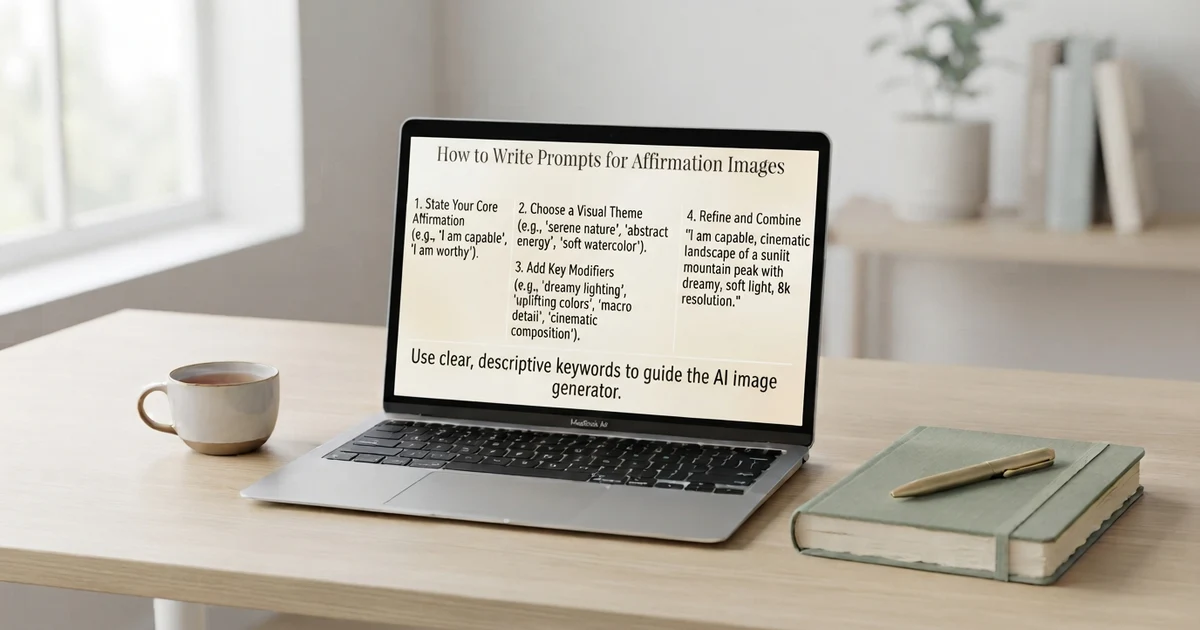
How to Write Prompts for Affirmation Images
A useful image prompt usually combines four basic elements:
Subject + affirmation + visual style + setting
For example:
Create a clean positive affirmation card featuring the phrase “I can take one step at a time.” Use a simple nature-inspired design, soft natural lighting, minimal typography, and plenty of empty space around the text.
You can make the prompt more specific when needed.
For a phone wallpaper:
Create a vertical phone wallpaper featuring the affirmation “I trust my pace.” Use a calm minimalist background, large readable typography, subtle natural elements, and enough empty space so the text remains easy to read.
For a printable card:
Create a simple printable affirmation card featuring “I can begin again.” Use a clean border, balanced spacing, gentle decorative elements, and highly readable text.
Copy and Paste Image Prompts for Beginners
If you are new to image generation, starting with a simple prompt can be easier.
Prompt 1: Minimal card
Create a minimalist affirmation card with the phrase “I can keep going.” Use a clean background, simple typography, balanced spacing, and a calm modern style.
Prompt 2: Nature design
Create a positive affirmation image with the phrase “I trust my journey.” Show a peaceful natural landscape with soft light, simple composition, and readable text.
Prompt 3: Journal design
Create an affirmation image featuring “I can take things one step at a time.” Include an open journal, pen, natural light, and a clean cozy desk.
Prompt 4: Printable design
Create a printable affirmation card with the phrase “I am learning every day.” Use a simple border, clean typography, minimal decoration, and a white background.
Prompt 5: Wallpaper
Create a vertical phone wallpaper with the affirmation “I can focus on today.” Use a simple peaceful background and large readable text with plenty of empty space.
How to Make Affirmation Images Easier to Read
A beautiful image is less useful if the affirmation is difficult to read.
If the generated image contains incorrect text, you can create the visual without text and add the exact affirmation separately using an image editor or design tool.
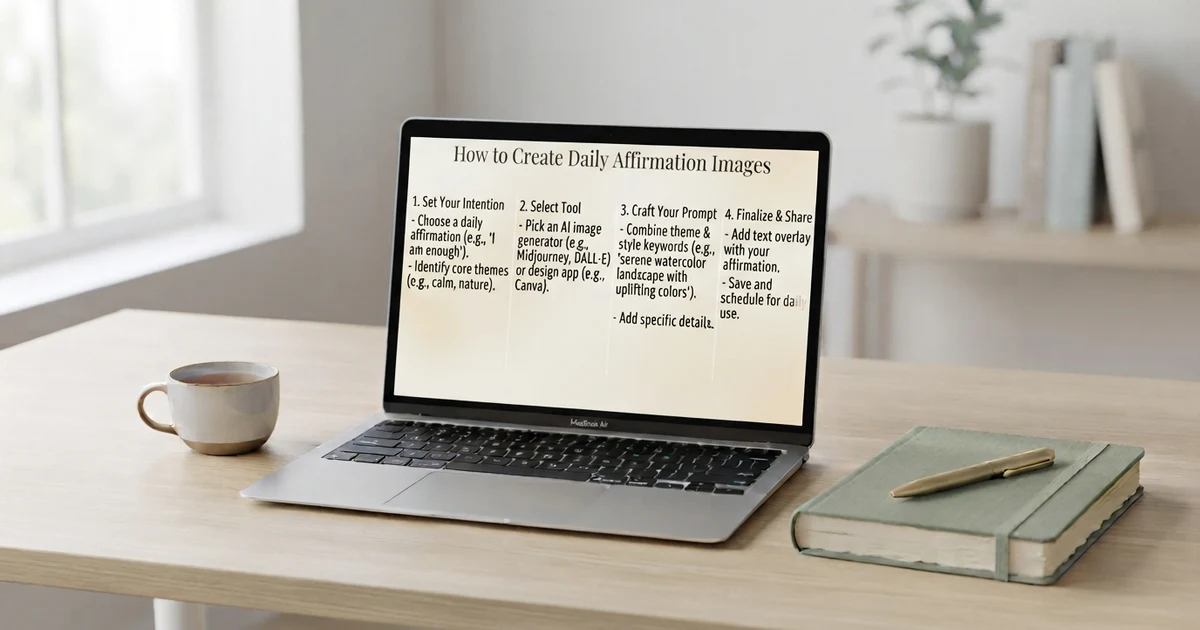
How to Create Daily Affirmation Images
You can make image creation part of a simple daily routine.
Start with one affirmation each day.
For example:
Monday: “I can start with one small step.”
Tuesday: “I can learn from today’s experience.”
Wednesday: “I can give myself time.”
Thursday: “I can focus on what matters today.”
Friday: “I can appreciate the progress I made.”
Saturday: “I can make room for something enjoyable.”
Sunday: “I can prepare for the week at my own pace.”
You can save each image in a folder and build a personal collection over time.
Using a Positive Affirmation Generator With Image Tools
A positive affirmation generator can help when you know you want an affirmation image but do not know what phrase to use.
The workflow can look like this:
Generate → Choose → Customize → Create Image → Save
For example, you could generate an affirmation around confidence, choose one that feels natural to you, and then create a visual around that phrase.
This approach can be useful when you want fresh ideas without repeatedly writing new affirmations yourself.
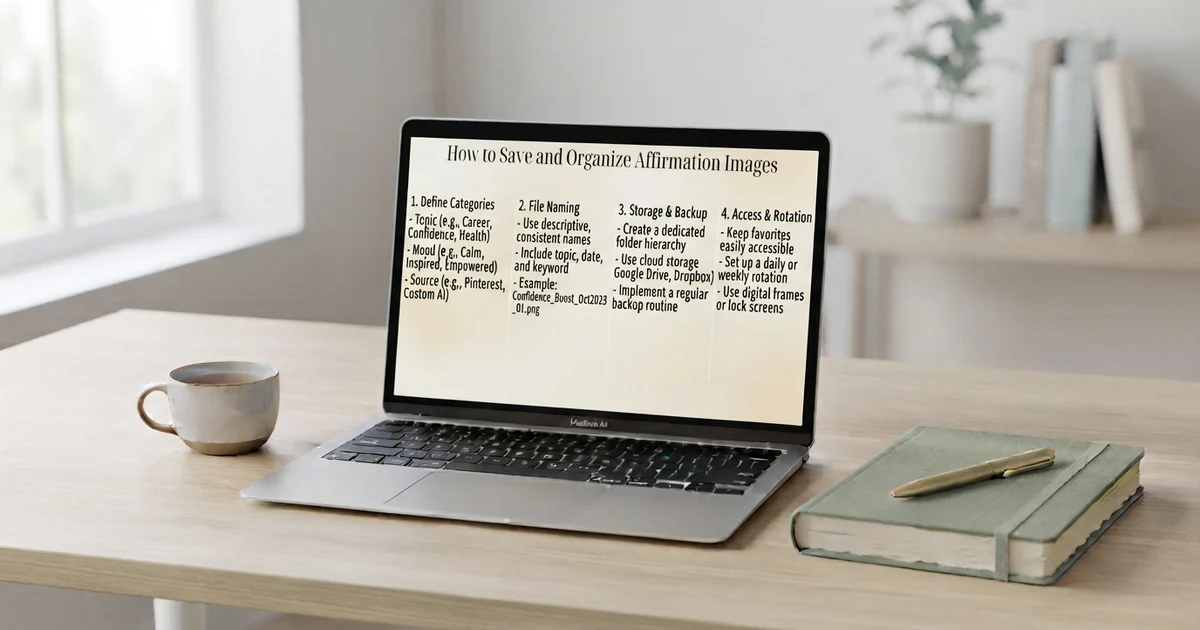
How to Save and Organize Affirmation Images
Once you create several images, organizing them makes them easier to use.
You can create folders such as:
Morning
Self-love
Confidence
Work
Journaling
Gratitude
Evening
Wallpapers
Printable cards
You can also name files clearly.
For example:
morning-affirmation-01.png
self-love-affirmation-02.png
daily-confidence-affirmation-03.png
If you are creating a printable collection, keep the dimensions and visual style consistent.
Image Generation Tools for Positive Affirmations for Beginners
Beginners do not need to create complicated prompts.
Start with one affirmation and one visual idea.
A simple formula is:
“Create an affirmation image featuring [affirmation] with [visual style].”
For example:
Create an affirmation image featuring “I can learn at my own pace” with a clean, peaceful, nature-inspired style.
Once you understand how the tool responds, you can add more details such as:
Image size
Background
Lighting
Composition
Typography area
Decorative elements
Intended use
Start simple and add details only when they improve the result.
Tips for Creating Natural-Looking Affirmation Images
The strongest affirmation designs usually feel simple rather than overloaded.
Try to:
Use language that feels believable to you.
Keep the affirmation specific enough to understand.
Match the visual mood to the message.
Avoid adding too many decorative elements.
Use consistent styles if creating a collection.
Review every generated image.
Keep a few favorite designs for regular use.
An affirmation does not need to sound dramatic to be useful as a personal reminder. A straightforward sentence can work well when it fits your situation.
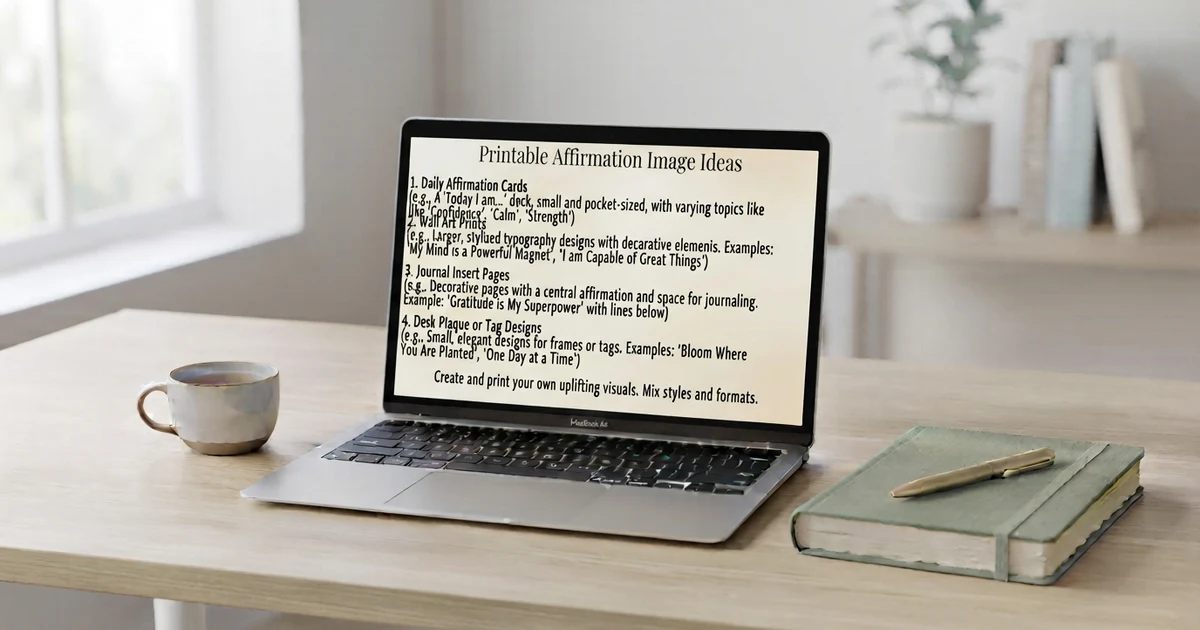
Printable Affirmation Image Ideas
Image generation can also support printable projects.
You can create:
Affirmation cards
Small desk cards
Journal inserts
Printable posters
Daily affirmation sheets
Classroom cards
Vision-board elements
Coloring-style affirmation designs
For printable use, pay particular attention to image dimensions, resolution, margins, and text readability.
If you plan to print a design, preview it at the approximate size you will use before creating a full collection.
How to Use Affirmation Images Every Day
There are many simple ways to use your finished images.
Use an affirmation as a journaling starting point.
Create a weekly collection.
Share a personal design with friends or family.
The goal is to make the affirmation easy to see without turning it into a complicated routine.
Common Mistakes to Avoid
Creating affirmation images can be simple, but a few mistakes can reduce their usefulness.
Using too much text
Long messages can make an image feel crowded. Try shortening the affirmation.
Making every design identical
You can keep a consistent theme while varying backgrounds, layouts, and visual subjects.
Forgetting to check generated text
Image-generation systems may sometimes produce inaccurate or unusual text. Always review the final design.
Choosing visuals that overpower the message
The affirmation should remain easy to find and read.
Using language that feels unnatural
If an affirmation feels unrealistic or unlike your normal way of speaking, rewrite it in simpler language.
Conclusion
Image generation tools for positive affirmations make it easier to turn simple positive phrases into visual reminders, cards, wallpapers, and printable designs. You can start with one short affirmation, describe the visual style you want, and refine the result until it fits your purpose.
For beginners, the easiest approach is to keep both the affirmation and the prompt simple. Combine a phrase that feels natural with a clean visual, check the generated result carefully, and save designs you want to use again. You can also pair an affirmation generator with image creation to build a collection of fresh daily reminders.
If you want a quick starting point, use the free generator to create an affirmation, then turn your favorite phrase into a visual design.
Image Generation Tools for Positive Affirmations: FAQ
1. What are image generation tools for positive affirmations?
They are tools that can help create visual designs based on affirmation ideas, such as digital cards, wallpapers, printable graphics, and social images.
2. Can beginners use image generation tools for affirmations?
Yes. Beginners can start with a short affirmation and a simple description of the desired visual style.
3. What makes a good affirmation image prompt?
A useful prompt usually describes the affirmation, visual subject, style, setting, and intended composition.
4. Can I create printable affirmation cards with image tools?
Yes. You can create visual concepts for printable affirmation cards, but check the final dimensions, resolution, margins, and text carefully before printing.
5. Should affirmation images contain long quotes?
Short phrases are often easier to read. If you have a longer message, consider dividing it into several cards.
6. Can I use an affirmation generator before creating an image?
Yes. An affirmation generator can provide phrase ideas, which you can then use as the text for your image.
7. How can I make affirmation images for daily use?
Create a small collection organized by themes such as morning, confidence, self-love, work, gratitude, or evening.
8. What image style works for positive affirmations?
There is no single required style. Minimal, nature-inspired, colorful, journal-themed, abstract, and typography-focused designs can all work depending on your purpose.
9. Why should I check AI-generated affirmation images?
Generated visuals and text can contain mistakes. Reviewing the image helps ensure the affirmation is accurate, readable, and suitable for your intended use.
10. Can I copy and paste prompts for affirmation images?
Yes. Simple prompts can be copied, then adjusted with your own affirmation, preferred style, image size, and intended use.